
RingRemote
Reach family, even when their phone is on silent.
Coming soon to Google PlayInternal testing
Screenshots
About RingRemote
RingRemote helps families reach each other. If a parent or relative often leaves their phone on silent, you can check its ringer from your own phone and make it ring loud when you need to call.
What you can do
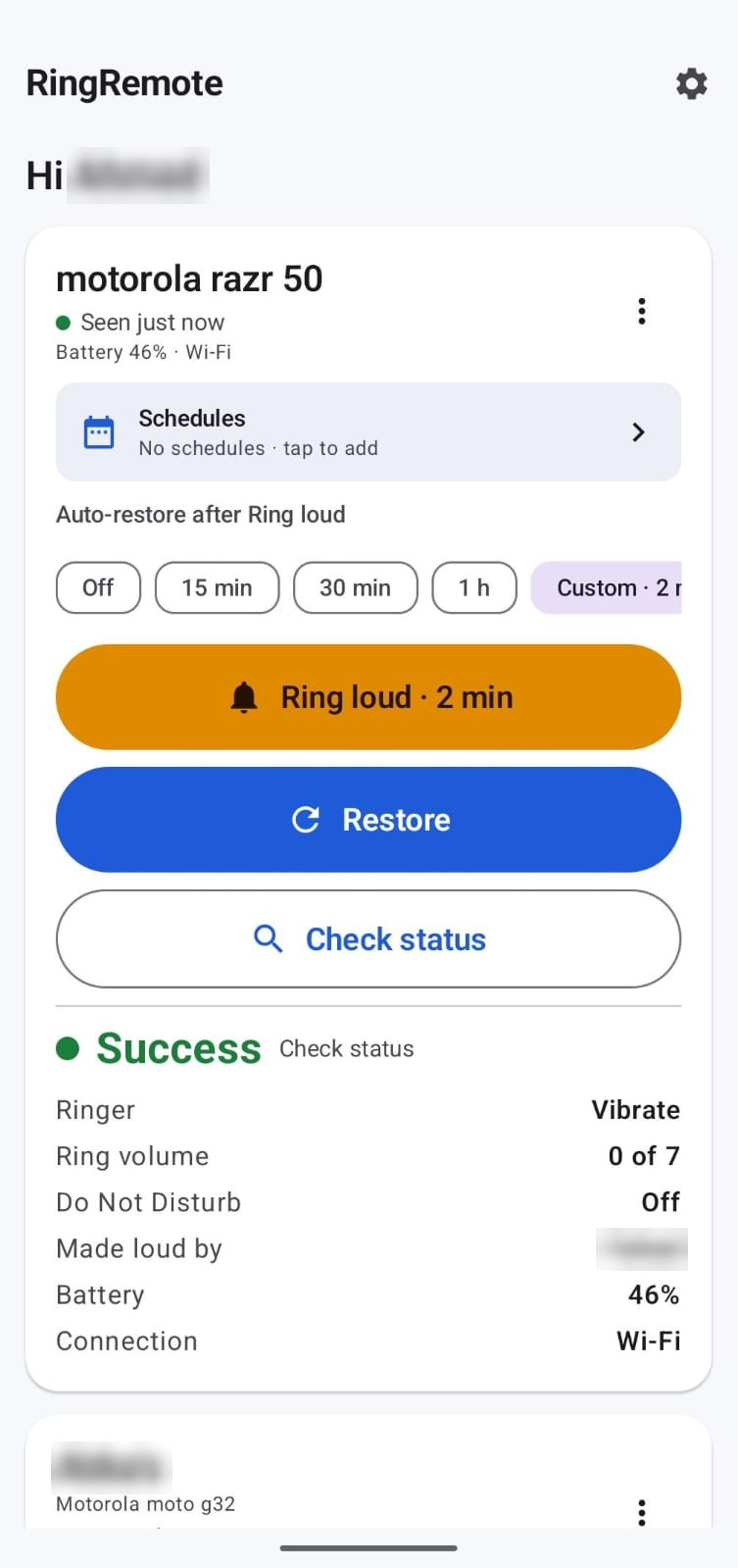
- Check status: see if the phone is on Silent, Vibrate or Normal, its ring volume, battery and connection.
- Ring loud: switch it to Normal at full volume.
- Restore: put it back exactly how it was.
- Auto-restore: go back automatically after 15, 30 or 60 minutes, or any time you set.
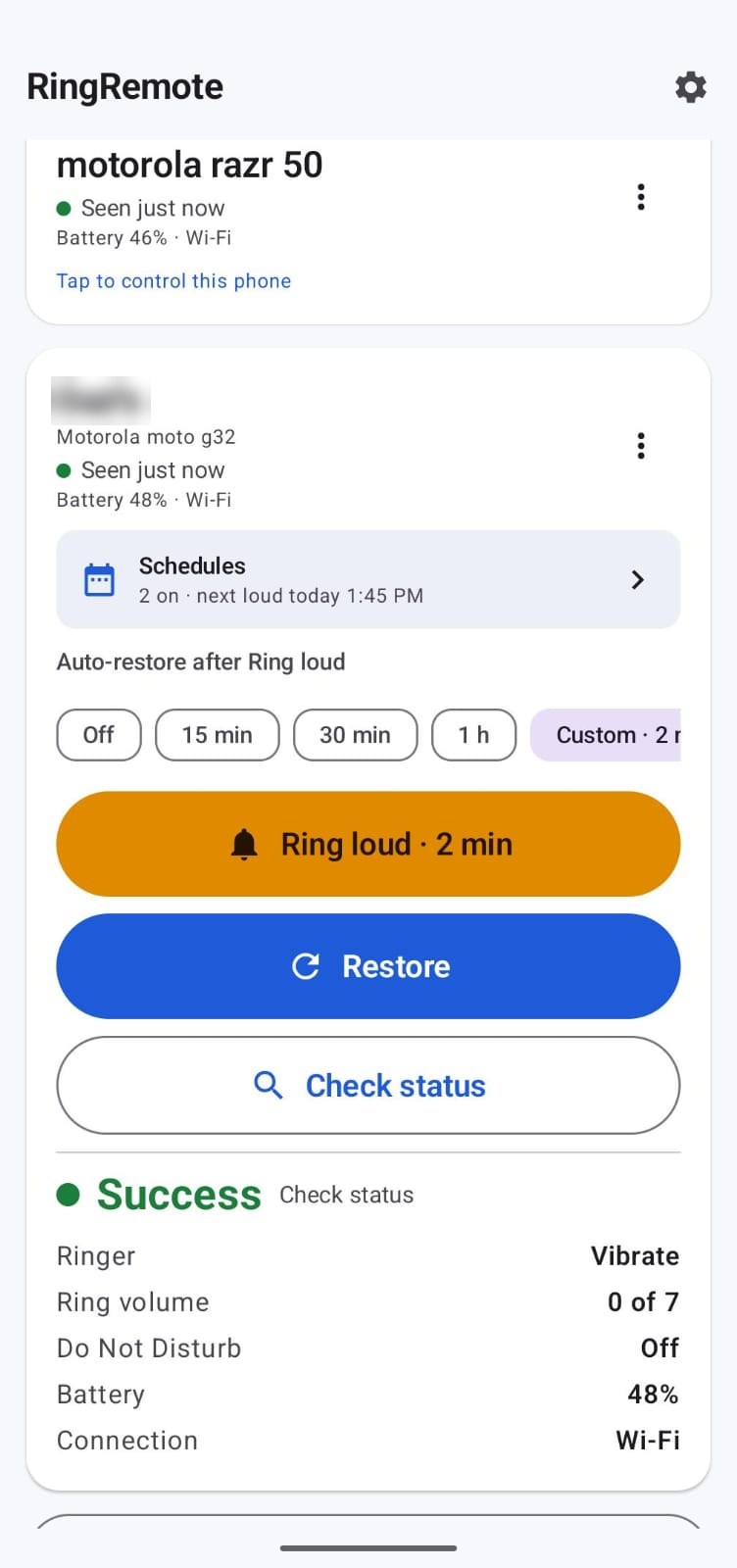
- Schedules: ring loud at set times every day or on chosen days, e.g. after prayers. If the person silences the phone during a scheduled time, it stays silent.
- Many controllers: several family members can control the same phone, and one person can look after more than one phone.
- Home-screen widget with one-tap Ring loud and Restore.
How it works
Install RingRemote on both phones. On the phone to be controlled, choose "Controlled phone" and follow the short setup. On your phone, choose "Controller" and enter the 6-digit code shown on the other phone. It works even when the other phone is locked and the app is closed.
Private by design
- Only people you add with a pairing code can control a phone.
- No ads, no tracking, no location, contacts, SMS or microphone access.
- The controlled phone stays quiet: no pop-ups for schedules or status checks.
Requires Android 10 or newer and an internet connection on both phones.
Delete your data
RingRemote has no user accounts: no email, password or phone number. Each phone gets a random, app-generated anonymous ID.
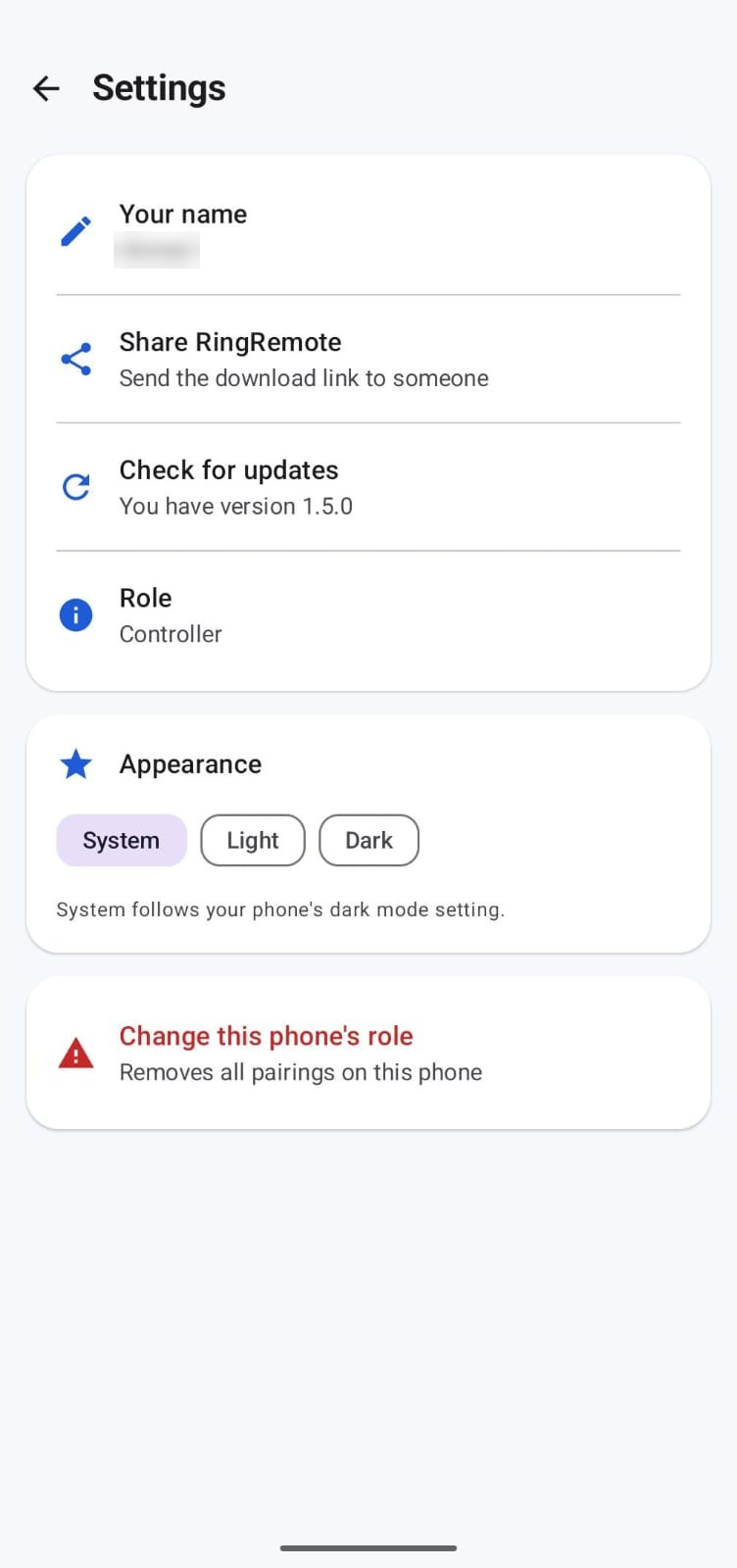
- In the app: Settings → Change this phone's role. This deletes that phone's pairings, schedules and stored status from the server.
- Uninstall the app to stop all further data collection.
- By email: write to fanarstudios.apps@gmail.com and the data is deleted within 30 days.